Introduction
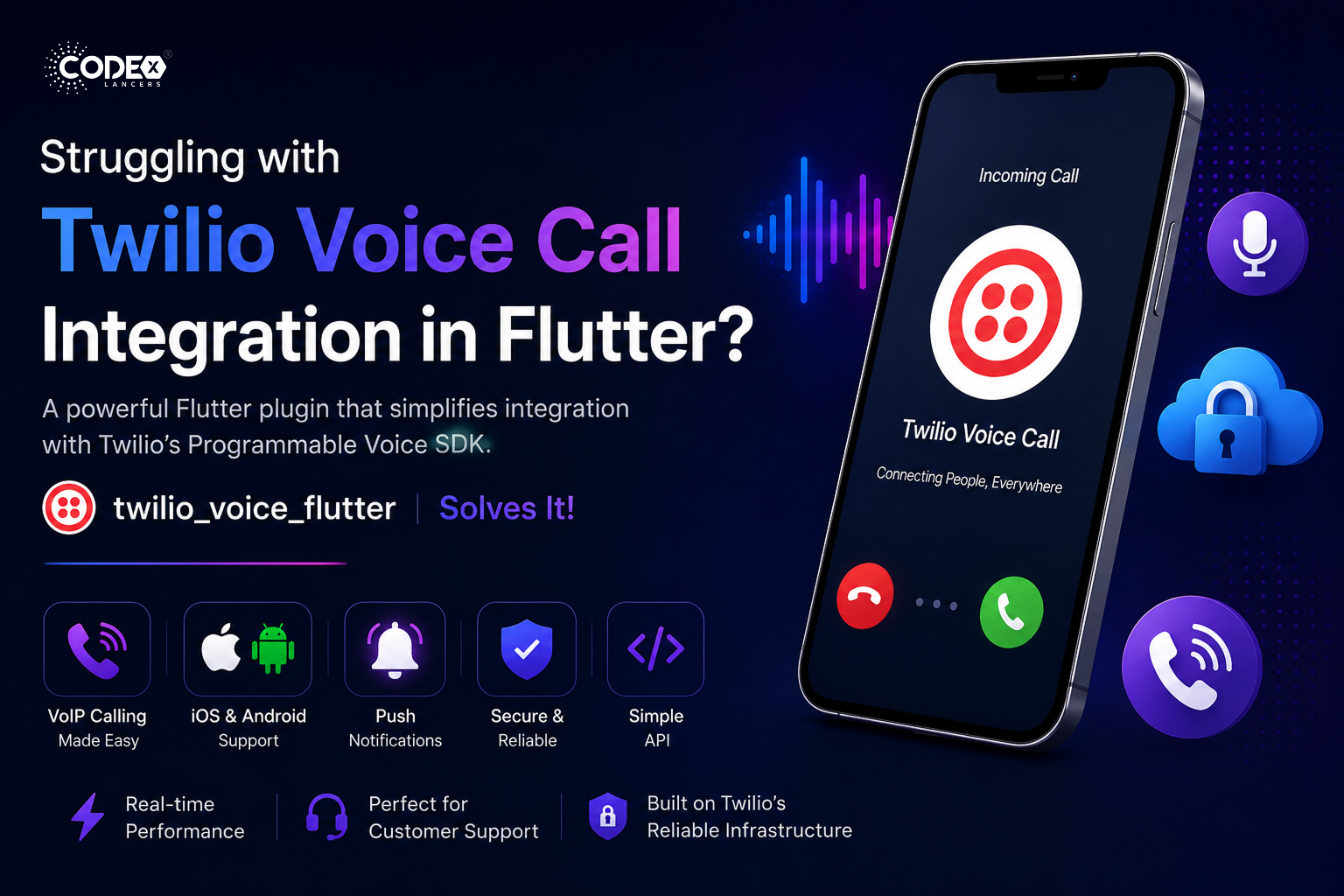
The twilio_voice_flutter plugin simplifies integration with Twilio’s Programmable Voice SDK, enabling VoIP calling within your Flutter apps. It supports both iOS and Android, offering an easy-to-use API for managing calls. Ideal for customer service, communication, or any app needing real-time voice, it leverages Twilio’s reliable infrastructure to deliver high-quality VoIP features.
Getting Started
Add the dependency to your pubspec.yaml file and run pub get:
dependencies:
  twilio_voice_flutter: ^0.0.3
Then import the package into your Dart file:
import 'package:twilio_voice_flutter/twilio_voice_flutter.dart';⚠️ Important Note
This plugin requires Firebase setup for Twilio voice calls. It uses FCM tokens for handling calls on Android 📲 and VoIP notifications for iOS 📞. Ensure both platforms are properly configured for smooth call functionality.
Platform Setup
Android
Open your AndroidManifest.xml file and add the following service declaration inside the
    ...


    ...
iOS
Open Xcode, go to Signing & Capabilities, and enable the following Background Modes: Audio, AirPlay, and Picture in Picture and Voice over IP. Then add the required keys to your Info.plist:
UIBackgroundModes

    audio
    voip
🔑 Twilio Voice Call Access Token Setup
To generate the access token and enable Twilio calls, follow the steps in the official Twilio repositories:
Setting Up Twilio Token
The setTwilioToken function registers a user’s identity with Twilio Voice using the provided access token. On Android it also retrieves the FCM token from Firebase Cloud Messaging:
static Future setTwilioToken(String identity, String accessToken) async {
  try {
    String accessToken = await _getAccessToken(identity);
    if (Platform.isAndroid) {
      String? fcmToken = await FirebaseMessaging.instance.getToken() ?? "";
      await TwilioVoiceFlutter.register(
          identity: identity, accessToken: accessToken, fcmToken: fcmToken);
    } else {
      await TwilioVoiceFlutter.register(
          identity: identity, accessToken: accessToken, fcmToken: "");
    }
    return true;
  } catch (_) {
    return false;
  }
}
🔗 Visit the example project for more information
Features
1. VoIP Call Management
- Initiate Calls : Start a VoIP call to any recipient using the
makeCallmethod with custom call data support. - Receive Incoming Calls : Handle incoming call invites via push notifications with built-in CallKit support on iOS.
- Call Status Notifications : Stay updated on ringing, connecting, and disconnecting states via Flutter MethodChannel callbacks.
2. In-Call Controls
- Mute/Unmute : Toggle mute with
toggleMuteand check current status withisMuted. - Speakerphone Control : Switch between speaker and receiver with
toggleSpeaker, verify route withisSpeaker.
3. CallKit Integration for iOS
- Native CallKit Support : Manages incoming and outgoing VoIP calls with a familiar native UI experience.
- Background VoIP Support : Receive VoIP calls while the app is in the background via proper background mode configuration.
4. Push Notification Support
- VoIP Push Notifications : Handle VoIP push via FCM on Android and APNs on iOS.
- Push Credential Management : Manage device and access tokens for reliable VoIP push delivery.
5. DTMF Signaling
- Send DTMF Digits : During an active call, send tones using the
sendDigitsmethod ideal for automated phone systems.
6. Contact & Data Management
- Custom Contact Data : Store and retrieve display names and photo URLs to personalize the calling experience.
- Persistent Token Storage : Securely store access tokens using
UserDefaultson iOS to maintain state across sessions. - Graceful Error Handling : Token expiration and failed connections are managed and reported to the user effectively.
Function Overview
registerTwilio(): Registers the device with Twilio using the access token and device token for VoIP push notifications.unregisterTwilio(): Unregisters the device from Twilio VoIP push notifications.makeCall(String to): Initiates a voice call to the specified recipient. Returns an error if an active call already exists.toggleMute(): Toggles the mute status of the ongoing call and notifies the Flutter side.isMuted(): Returns the current mute status of the ongoing call.toggleSpeaker(): Toggles speaker mode during an ongoing call and notifies the Flutter side.isSpeaker(): Checks if speaker mode is currently active.hangUp(): Ends the current call and clears call-related data.activeCall(): Returns details of the active call if one exists.sendDigits(String digits): Sends DTMF digits during an active call.
Conclusion
The twilio_voice_flutter plugin provides a robust and production-ready foundation for integrating real-time voice communication into Flutter apps. With support for VoIP call management, in-call controls, CallKit integration, push notifications, DTMF signaling, and persistent data storage, it covers everything needed for customer support, in-app calling, and beyond.
For full documentation and the example project, check it out on pub.dev.