Introduction
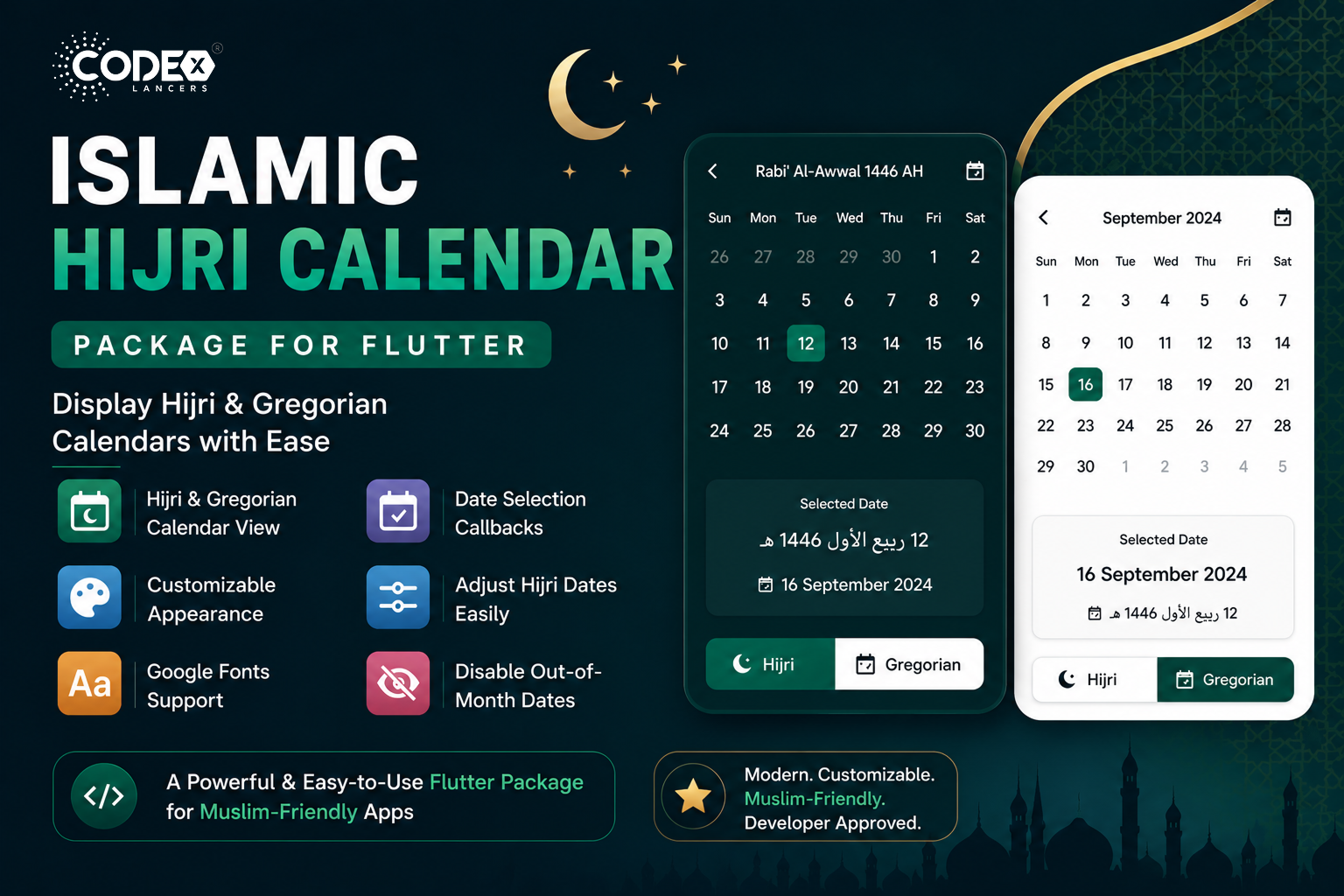
Introducing our Islamic Hijri Calendar package the most fully featured solution for displaying dates in both Arabic and English numerals. Customers can easily navigate months, view the Hijri month name, and move between months without any hassle.
The Islamic Hijri Calendar package is a versatile, easy-to-use Flutter package with the ability to show both the Islamic Hijri and the Gregorian Calendars in your Flutter apps all from a single widget.
Key Features
- Dual Calendar View : Toggle between the Hijri and Gregorian calendars effortlessly.
- Customizable Appearance : Adjust border colors, text colors, background colors, and font styles to match your app’s theme.
- Google Fonts Support : Use Google Fonts to ensure your calendar looks modern and clean.
- Date Selection Callbacks : Get the selected date in both Gregorian and Hijri formats.
- Date Adjustment : Adjust the Hijri calendar by a certain number of days as needed.
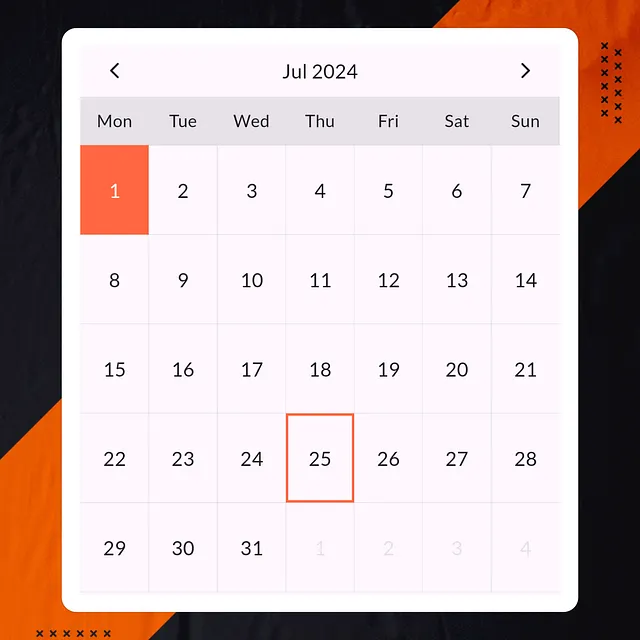
- Disable Out-of-Month Dates : Show or hide dates that are not part of the current month.
Installation
First, add the package to your pubspec.yaml:
dependencies:
  islamic_hijri_calendar: ^1.0.0
Usage
Here’s how you can integrate the Islamic Hijri Calendar package into your Flutter app:
import 'package:flutter/material.dart';
import 'package:islamic_hijri_calendar/islamic_hijri_calendar.dart';

void main() {
  runApp(MyApp());
}

class MyApp extends StatelessWidget {
  @override
  Widget build(BuildContext context) {
    return MaterialApp(
      theme: ThemeData(
        colorScheme: ColorScheme.fromSwatch().copyWith(
          primary: Colors.blue,
          onBackground: Colors.black,
          background: Colors.white,
        ),
      ),
      home: Scaffold(
        appBar: AppBar(
          title: Text('Islamic Hijri Calendar'),
        ),
        body: Center(
          child: IslamicHijriCalendar(
            isHijriView: true,
            highlightBorder: Theme.of(context).colorScheme.primary,
            defaultBorder: Theme.of(context).colorScheme.onBackground.withOpacity(.1),
            highlightTextColor: Theme.of(context).colorScheme.background,
            defaultTextColor: Theme.of(context).colorScheme.onBackground,
            defaultBackColor: Theme.of(context).colorScheme.background,
            adjustmentValue: 0,
            isGoogleFont: true,
            fontFamilyName: "Lato",
            getSelectedEnglishDate: (selectedDate) {
              print("English Date : $selectedDate");
            },
            getSelectedHijriDate: (selectedDate) {
              print("Hijri Date : $selectedDate");
            },
            isDisablePreviousNextMonthDates: true,
          ),
        ),
      ),
    );
  }
}
Customization Options
Dual Calendar View
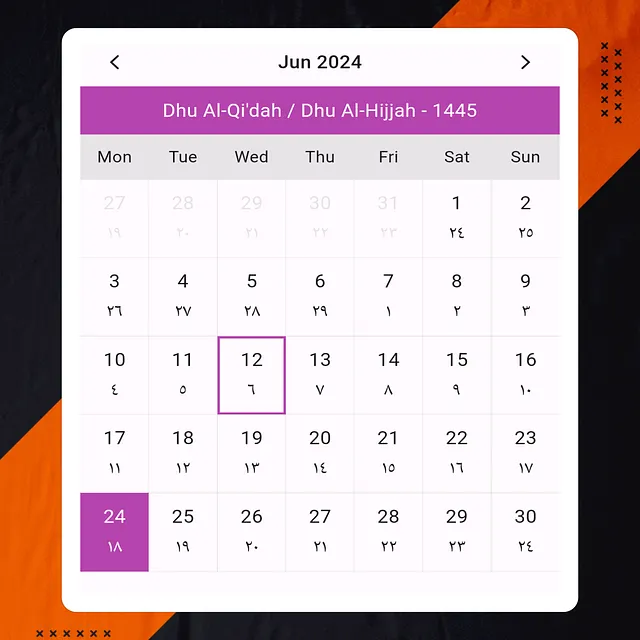
The isHijriView property allows users to toggle between viewing the Hijri calendar and the Gregorian calendar.
isHijriView: true, // Show Hijri calendarAppearance Customization
Customize the calendar’s look using the following properties:
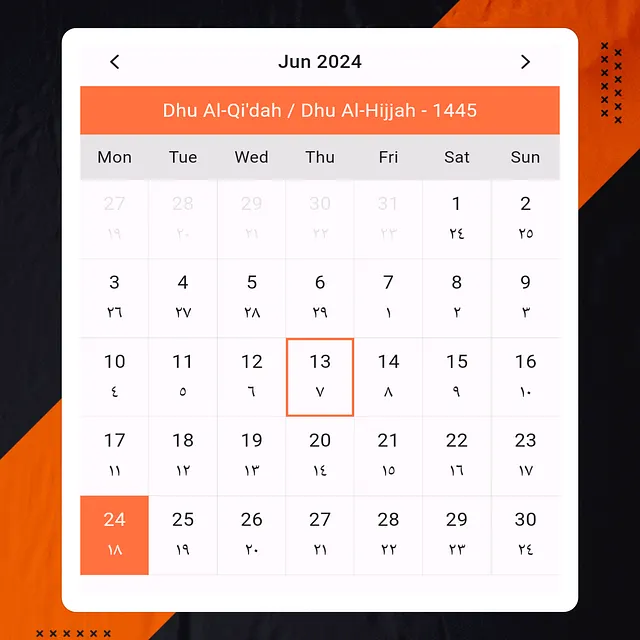
highlightBorder: Border color for the selected date.defaultBorder: Border color for other dates.highlightTextColor: Text color for today’s date.defaultTextColor: Text color for other dates.defaultBackColor: Background color for dates.
highlightBorder: Theme.of(context).colorScheme.primary,
defaultBorder: Theme.of(context).colorScheme.onBackground.withOpacity(.1),
highlightTextColor: Theme.of(context).colorScheme.background,
defaultTextColor: Theme.of(context).colorScheme.onBackground,
defaultBackColor: Theme.of(context).colorScheme.background,
Google Fonts
Enhance the calendar’s typography using any Google Font:
isGoogleFont: true,
fontFamilyName: "Lato",
Date Selection Callbacks
Capture the selected date in both Gregorian and Hijri formats:
getSelectedEnglishDate: (selectedDate) {
  print("English Date : $selectedDate");
},
getSelectedHijriDate: (selectedDate) {
  print("Hijri Date : $selectedDate");
},
Date Adjustment
Adjust the Hijri calendar dates by a specific value to align with your region’s moon sighting:
adjustmentValue: 0, // No adjustmentDisable Previous/Next Month Dates
Choose whether to show or hide overflow dates from adjacent months:
isDisablePreviousNextMonthDates: true, // Disable dates not in the current monthScreenshots
Conclusion
The Islamic Hijri Calendar widget is the go-to solution for Flutter developers building apps for Muslim users. It beautifully displays dates according to the Islamic Hijri system alongside the familiar Gregorian calendar with minimal setup and extensive appearance customization. Whether you’re building a prayer time app, Ramadan tracker, or any Islamic lifestyle tool, this widget is an essential addition to your stack.
For more information and full documentation, check it out on pub.dev.