

WE ARE HIRING • WE ARE HIRING • 
200 Happy Clients Worldwide
Delivering Excellence Since 2019
AI Workflow Automation with n8n & LangChain
WhatsApp Business Automation & AI Chatbots
24/7 Voice AI Agents Always On, Never Missed
Intelligent AI CRM & Lead Management Systems
Real-Time Business Dashboards & Analytics
AI Customer Support Resolve Tickets Instantly
Custom Internal Tools Built for Your Team
Powered by OpenAI, LangChain & Cutting-Edge AI
400+ App Integrations via Zapier & n8n
Helping Businesses Across Industries
End-to-End Automation Zero Manual Handoffs
200 Happy Clients Worldwide
Delivering Excellence Since 2019
AI Workflow Automation with n8n & LangChain
WhatsApp Business Automation & AI Chatbots
24/7 Voice AI Agents Always On, Never Missed
Intelligent AI CRM & Lead Management Systems
Real-Time Business Dashboards & Analytics
AI Customer Support Resolve Tickets Instantly
Custom Internal Tools Built for Your Team
Powered by OpenAI, LangChain & Cutting-Edge AI
400+ App Integrations via Zapier & n8n
Helping Businesses Across Industries
End-to-End Automation Zero Manual Handoffs
200 Happy Clients Worldwide
Delivering Excellence Since 2019
AI Workflow Automation with n8n & LangChain
WhatsApp Business Automation & AI Chatbots
24/7 Voice AI Agents Always On, Never Missed
Intelligent AI CRM & Lead Management Systems
Real-Time Business Dashboards & Analytics
AI Customer Support Resolve Tickets Instantly
Custom Internal Tools Built for Your Team
Powered by OpenAI, LangChain & Cutting-Edge AI
400+ App Integrations via Zapier & n8n
Helping Businesses Across Industries
End-to-End Automation Zero Manual Handoffs
flutterJune 16, 2026

Implementing Google Authentication in Flutter Without Firebase: Using the Latest google_sign_in (7.2.0)

Implementing Google Authentication in Flutter Without FirebaseThere's a point in almost every Flutter project where authentication comes into the picture. More often than not, the default answer is to just use Firebase.

Mind Stack Labs

Engineering Team

Implementing Google Authentication in Flutter Without Firebase: Using the Latest google_sign_in (7.2.0)

Implementing Google Authentication in Flutter Without Firebase

There's a point in almost every Flutter project where authentication comes into the picture. More often than not, the default answer is to just use Firebase. While Firebase works well, it can add unnecessary complexity if you already have a backend handling users, custom JWT/session systems, and dedicated auth APIs. All you truly need is a way to let users log in with Google and a secure method to verify them on your backend.

What the Flow Looks Like (High-Level)

The direct OAuth architecture remains highly straightforward:

  • The user triggers the Google Sign-In interaction inside the app.
  • The native Google account picker interface opens.
  • The user selects their account and authenticates.
  • The Flutter application receives an ID Token.
  • The app transmits that ID Token directly to your custom backend.
  • The backend safely verifies the token's validity against Google's public keys.

Google Cloud Platform Setup

Before writing any client-side integration logic, the cloud environment configurations must be exactly correct. Create a dedicated project within the Google Cloud Console, properly configure your OAuth Consent Screen, and generate distinct OAuth Client IDs for Android, iOS, and the Web. Double-check your application's unique package name, ensure the SHA-1 signing fingerprint is properly saved for Android environments, and explicitly identify your Web Client ID since it handles the foundational cross-platform server identification pipelines.

The New 7.2.0 Implementation Flow

With version 7.2.0, the package introduces strict breaking architectural shifts from historical code recipes. The absolute most critical update is the mandatory inclusion of an initialization routine. Developers must explicitly call the package initialization method, passing the Web Client ID into the server client parameter block before triggering any authentication intents. Failing to execute this step causes requests to fail or operate inconsistently across devices. Once initialized, the app invokes the authentication picker, extracts the native authentication details, isolates the ID Token string, and pushes that secure payload straight to your network endpoints.

Backend Verification & True Security

A massive security vulnerability in custom architectures is trusting client-provided tokens blindly. In a production system, your backend must intercept the incoming token and independently validate it using official library decoders (such as the Google Auth Library for Node.js). This backend verification process confirms that the token was authentically issued by Google, ensures it hasn't been maliciously tampered with, validates its expiration timing, and matches the target client identifier before creating or authorizing a local user session.

Common Mistakes to Avoid

  • Omitting Initialization — Neglecting the new initialization lifecycle completely halts token generation pipelines in recent package releases.
  • Misconfiguring Client Keys — Accidentally passing native mobile client keys instead of the explicit Web Client ID inside the server identification block.
  • Bypassing Backend Validation — Trusting profile payloads parsed directly from the mobile app interface, opening up massive spoofing vulnerabilities.
  • Confusing Token Targets — Mistaking the Access Token (used for querying Google Drive or Calendar APIs) for the ID Token, which is the exact cryptographically signed block needed for identity confirmation.

Final Thoughts

Bypassing Firebase for Google Sign-In isn't a complex workaround—it is often the most lightweight, direct, and flexible choice for modern app infrastructures. Once you structure your implementation around the updated initialize, authenticate, and server-side verify sequence, you build a performant authentication flow completely unburdened by redundant cloud platform dependencies.

Keep Reading
Related Articles

You Might Also Like

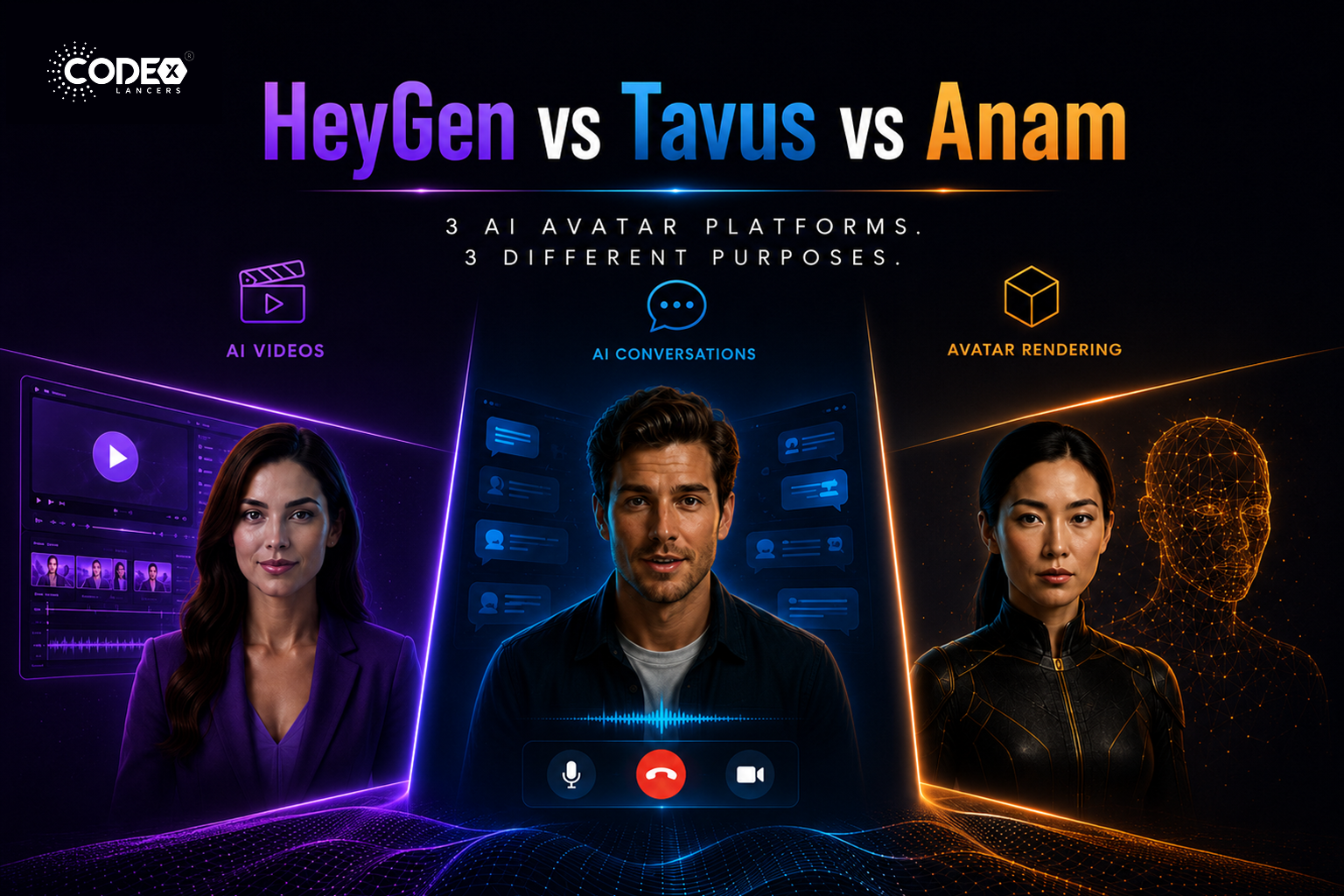
HeyGen vs Tavus vs Anam: Which AI Avatar Platform Is Right for You in 2026?
flutterMay 21, 2026

HeyGen vs Tavus vs Anam: Which AI Avatar Platform Is Right for You in 2026?

The Real Difference Nobody Explains Properly The AI avatar industry is exploding right now but most people compare HeyGen, Tavus, and Anam as if they are the same type of product. They are NOT. This confusion causes many startups and mobile app builders to choose the wrong platform. HeyGen : mainly an AI video generation […]

Read more
FlutterFlow’s New Feature: App Events (A Game Changer for Scalable Apps)
flutterApr 21, 2026

FlutterFlow’s New Feature: App Events (A Game Changer for Scalable Apps)

Introduction Building scalable applications in low-code platforms has always been a balance between speed and maintainability. While FlutterFlow makes UI development incredibly fast, managing communication between different parts of an app could sometimes become complex. With the introduction of App Events, FlutterFlow has taken a major step forward bringing cleaner architecture, better performance, and a […]

Read more
Integrating Tamara Payment Gateway in a FlutterFlow Application
flutterApr 21, 2026

Integrating Tamara Payment Gateway in a FlutterFlow Application

Introduction Integrating a reliable payment gateway is essential for delivering a smooth and secure user experience. Building a payment system isn’t just about processing transactions it’s about ensuring security, reliability, and compliance, all while maintaining a seamless user journey. Here’s how I integrated the Tamara Payment Gateway into a FlutterFlow application, creating a complete end-to-end […]

Read more
How I Built a Production-Ready AI Chat App in FlutterFlow (With OpenAI + Firebase)
flutterApr 20, 2026

How I Built a Production-Ready AI Chat App in FlutterFlow (With OpenAI + Firebase)

Introduction AI is everywhere in 2026 but building a production-ready AI chat app is still challenging, especially when using low-code tools like FlutterFlow. In this article, I’ll walk you through how I built a scalable AI chat system using FlutterFlow + Firebase + OpenAI API. Architecture Overview Frontend : FlutterFlow UI Backend : Firebase (Firestore […]

Read more

