

WE ARE HIRING • WE ARE HIRING • 
200 Happy Clients Worldwide
Delivering Excellence Since 2019
AI Workflow Automation with n8n & LangChain
WhatsApp Business Automation & AI Chatbots
24/7 Voice AI Agents Always On, Never Missed
Intelligent AI CRM & Lead Management Systems
Real-Time Business Dashboards & Analytics
AI Customer Support Resolve Tickets Instantly
Custom Internal Tools Built for Your Team
Powered by OpenAI, LangChain & Cutting-Edge AI
400+ App Integrations via Zapier & n8n
Helping Businesses Across Industries
End-to-End Automation Zero Manual Handoffs
200 Happy Clients Worldwide
Delivering Excellence Since 2019
AI Workflow Automation with n8n & LangChain
WhatsApp Business Automation & AI Chatbots
24/7 Voice AI Agents Always On, Never Missed
Intelligent AI CRM & Lead Management Systems
Real-Time Business Dashboards & Analytics
AI Customer Support Resolve Tickets Instantly
Custom Internal Tools Built for Your Team
Powered by OpenAI, LangChain & Cutting-Edge AI
400+ App Integrations via Zapier & n8n
Helping Businesses Across Industries
End-to-End Automation Zero Manual Handoffs
200 Happy Clients Worldwide
Delivering Excellence Since 2019
AI Workflow Automation with n8n & LangChain
WhatsApp Business Automation & AI Chatbots
24/7 Voice AI Agents Always On, Never Missed
Intelligent AI CRM & Lead Management Systems
Real-Time Business Dashboards & Analytics
AI Customer Support Resolve Tickets Instantly
Custom Internal Tools Built for Your Team
Powered by OpenAI, LangChain & Cutting-Edge AI
400+ App Integrations via Zapier & n8n
Helping Businesses Across Industries
End-to-End Automation Zero Manual Handoffs
flutterApril 15, 2026

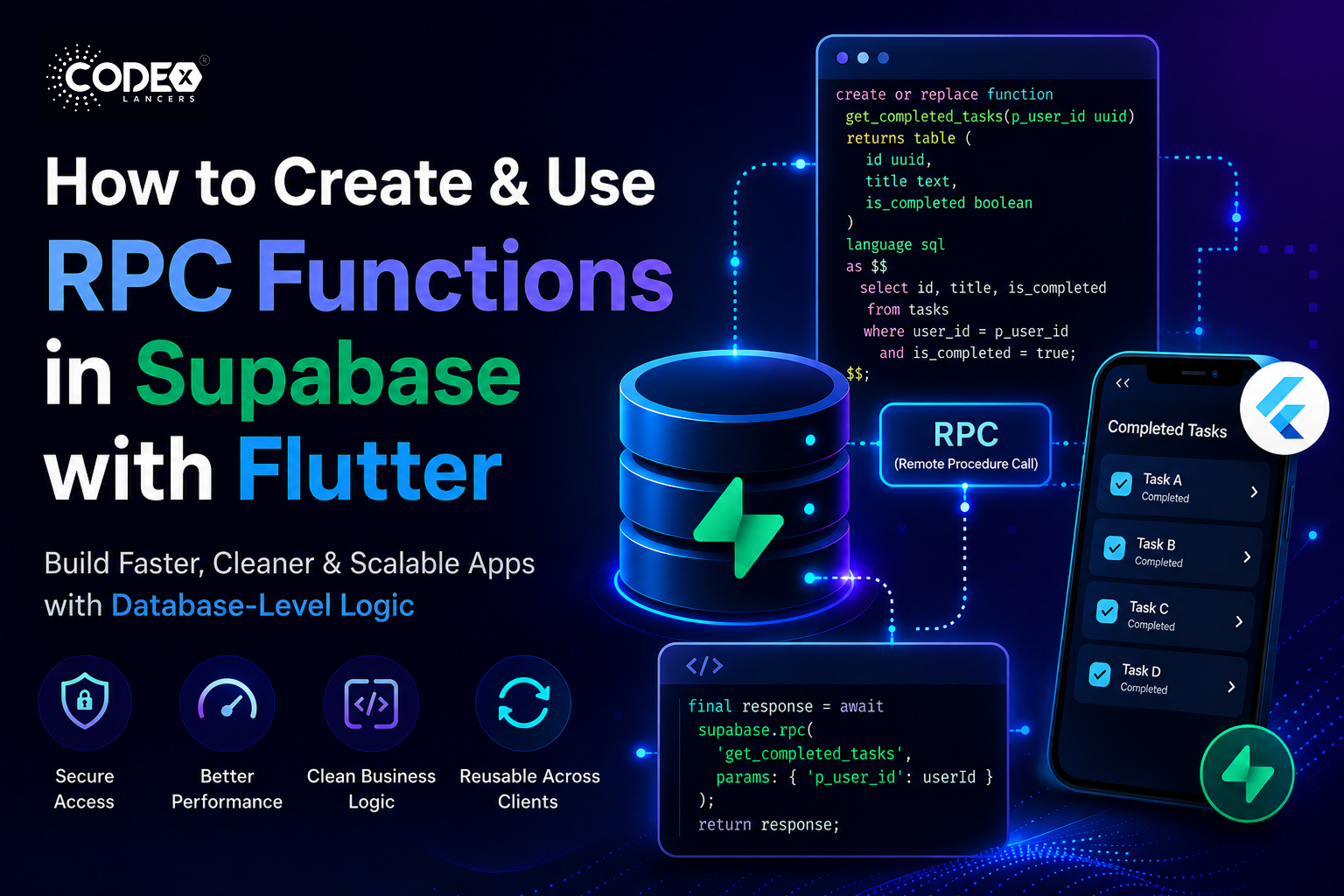
How to Create and Use RPC Functions in Supabase with Flutter (Step-by-Step Guide)

Introduction When building modern apps, you often need to perform complex database operations filtering data, calculating values, or combining multiple queries. Writing all this logic directly in your Flutter app can qui

Mind Stack Labs

Engineering Team

How to Create and Use RPC Functions in Supabase with Flutter (Step-by-Step Guide)

Introduction

When building modern apps, you often need to perform complex database operations filtering data, calculating values, or combining multiple queries. Writing all this logic directly in your Flutter app can quickly become messy and inefficient. That’s where RPC (Remote Procedure Call) functions in Supabase come in they let you write SQL functions inside your database and call them from your app as if they were APIs.

  • Keep business logic inside the database (cleaner architecture)
  • Reduce network calls (better performance)
  • Improve security (controlled access to data)
  • Reuse logic across multiple clients (Flutter, Web, etc.)

Prerequisites

  • A Flutter project set up
  • A Supabase project created
  • Supabase Flutter SDK installed
  • Basic knowledge of SQL (SELECT, WHERE, etc.)

Step 1: Create an RPC Function in Supabase

Let’s say we have a tasks table and want to fetch all completed tasks for a specific user. Go to Supabase Dashboard → SQL Editor and run:

create or replace function get_completed_tasks(p_user_id uuid)
returns table (
  id uuid,
  title text,
  is_completed boolean
)
language sql
as $$
  select id, title, is_completed
  from tasks
  where user_id = p_user_id
    and is_completed = true;
$$;
  • create or replace function creates the RPC function.
  • p_user_id input parameter.
  • returns table defines output structure.
  • select ... actual query logic.

Step 2: Test the Function in Supabase

Before using it in Flutter, test it in the SQL Editor:

select * from get_completed_tasks('your-user-id-here');

You should see only completed tasks for that user.

Step 3: Call RPC Function in Flutter

Add Supabase Dependency

dependencies:
  supabase_flutter: latest_version

Initialize Supabase

await Supabase.initialize(
  url: 'YOUR_SUPABASE_URL',
  anonKey: 'YOUR_SUPABASE_ANON_KEY',
);

Call RPC Function

final supabase = Supabase.instance.client;

Future getCompletedTasks(String userId) async {
  final response = await supabase.rpc(
    'get_completed_tasks',
    params: {'p_user_id': userId},
  );
  return response;
}
  • rpc() calls the Supabase function.
  • 'get_completed_tasks' function name.
  • params must match SQL parameter names exactly.

Use in UI

FutureBuilder(
  future: getCompletedTasks(userId),
  builder: (context, snapshot) {
    if (!snapshot.hasData) {
      return CircularProgressIndicator();
    }
    final tasks = snapshot.data as List;
    return ListView.builder(
      itemCount: tasks.length,
      itemBuilder: (context, index) {
        final task = tasks[index];
        return ListTile(
          title: Text(task['title']),
          subtitle: Text("Completed"),
        );
      },
    );
  },
);

Real-World Use Cases

  • Calculating total revenue
  • Fetching user-specific dashboards
  • Complex joins across tables
  • Role-based data filtering

Common Mistakes

1. Parameter Name Mismatch

params: {'userId': userId}  // ❌ WRONG must match SQL name exactly
params: {'p_user_id': userId}  // ✅ CORRECT

2. Forgetting Permissions (RLS)

If Row Level Security (RLS) is enabled, make sure your policies allow access to the function.

3. Returning Wrong Data Type

If your function returns json, handle it properly in Flutter instead of expecting a list.

4. Not Testing in SQL First

Always test your function in the Supabase SQL Editor before calling it from Flutter.

Best Practices

  • Keep functions simple and focused one function, one responsibility.
  • Use meaningful names get_user_tasks ✔ vs fetch_data ❌.
  • Secure with RLS policies don’t expose sensitive data.
  • Use indexes for performance especially for large datasets.
  • Prefer SQL functions over multiple API calls cleaner and faster.

Conclusion

RPC functions in Supabase are a powerful way to move logic closer to your database, making your Flutter apps faster, cleaner, and more secure. You can now create SQL functions, test them in Supabase, and call them seamlessly from Flutter. Next steps: add pagination, use PostgreSQL joins inside functions, explore Edge Functions vs RPC, and build a reusable backend logic library.

Keep Reading
Related Articles

You Might Also Like

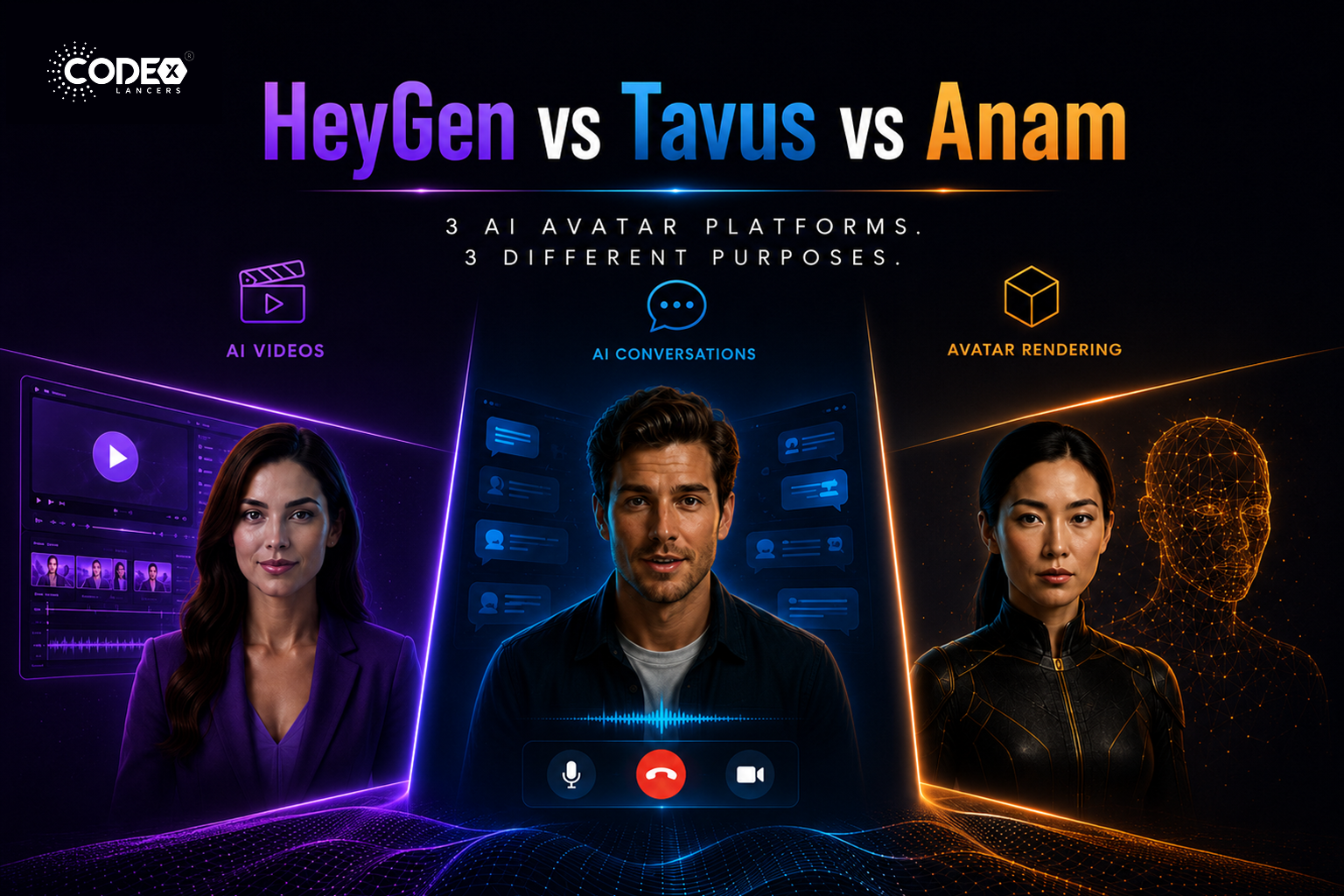
HeyGen vs Tavus vs Anam: Which AI Avatar Platform Is Right for You in 2026?
flutterMay 21, 2026

HeyGen vs Tavus vs Anam: Which AI Avatar Platform Is Right for You in 2026?

The Real Difference Nobody Explains Properly The AI avatar industry is exploding right now but most people compare HeyGen, Tavus, and Anam as if they are the same type of product. They are NOT. This confusion causes many startups and mobile app builders to choose the wrong platform. HeyGen : mainly an AI video generation […]

Read more
FlutterFlow’s New Feature: App Events (A Game Changer for Scalable Apps)
flutterApr 21, 2026

FlutterFlow’s New Feature: App Events (A Game Changer for Scalable Apps)

Introduction Building scalable applications in low-code platforms has always been a balance between speed and maintainability. While FlutterFlow makes UI development incredibly fast, managing communication between different parts of an app could sometimes become complex. With the introduction of App Events, FlutterFlow has taken a major step forward bringing cleaner architecture, better performance, and a […]

Read more
Integrating Tamara Payment Gateway in a FlutterFlow Application
flutterApr 21, 2026

Integrating Tamara Payment Gateway in a FlutterFlow Application

Introduction Integrating a reliable payment gateway is essential for delivering a smooth and secure user experience. Building a payment system isn’t just about processing transactions it’s about ensuring security, reliability, and compliance, all while maintaining a seamless user journey. Here’s how I integrated the Tamara Payment Gateway into a FlutterFlow application, creating a complete end-to-end […]

Read more
How I Built a Production-Ready AI Chat App in FlutterFlow (With OpenAI + Firebase)
flutterApr 20, 2026

How I Built a Production-Ready AI Chat App in FlutterFlow (With OpenAI + Firebase)

Introduction AI is everywhere in 2026 but building a production-ready AI chat app is still challenging, especially when using low-code tools like FlutterFlow. In this article, I’ll walk you through how I built a scalable AI chat system using FlutterFlow + Firebase + OpenAI API. Architecture Overview Frontend : FlutterFlow UI Backend : Firebase (Firestore […]

Read more

