

WE ARE HIRING • WE ARE HIRING • 
200 Happy Clients Worldwide
Delivering Excellence Since 2019
AI Workflow Automation with n8n & LangChain
WhatsApp Business Automation & AI Chatbots
24/7 Voice AI Agents Always On, Never Missed
Intelligent AI CRM & Lead Management Systems
Real-Time Business Dashboards & Analytics
AI Customer Support Resolve Tickets Instantly
Custom Internal Tools Built for Your Team
Powered by OpenAI, LangChain & Cutting-Edge AI
400+ App Integrations via Zapier & n8n
Helping Businesses Across Industries
End-to-End Automation Zero Manual Handoffs
200 Happy Clients Worldwide
Delivering Excellence Since 2019
AI Workflow Automation with n8n & LangChain
WhatsApp Business Automation & AI Chatbots
24/7 Voice AI Agents Always On, Never Missed
Intelligent AI CRM & Lead Management Systems
Real-Time Business Dashboards & Analytics
AI Customer Support Resolve Tickets Instantly
Custom Internal Tools Built for Your Team
Powered by OpenAI, LangChain & Cutting-Edge AI
400+ App Integrations via Zapier & n8n
Helping Businesses Across Industries
End-to-End Automation Zero Manual Handoffs
200 Happy Clients Worldwide
Delivering Excellence Since 2019
AI Workflow Automation with n8n & LangChain
WhatsApp Business Automation & AI Chatbots
24/7 Voice AI Agents Always On, Never Missed
Intelligent AI CRM & Lead Management Systems
Real-Time Business Dashboards & Analytics
AI Customer Support Resolve Tickets Instantly
Custom Internal Tools Built for Your Team
Powered by OpenAI, LangChain & Cutting-Edge AI
400+ App Integrations via Zapier & n8n
Helping Businesses Across Industries
End-to-End Automation Zero Manual Handoffs
flutterApril 9, 2026

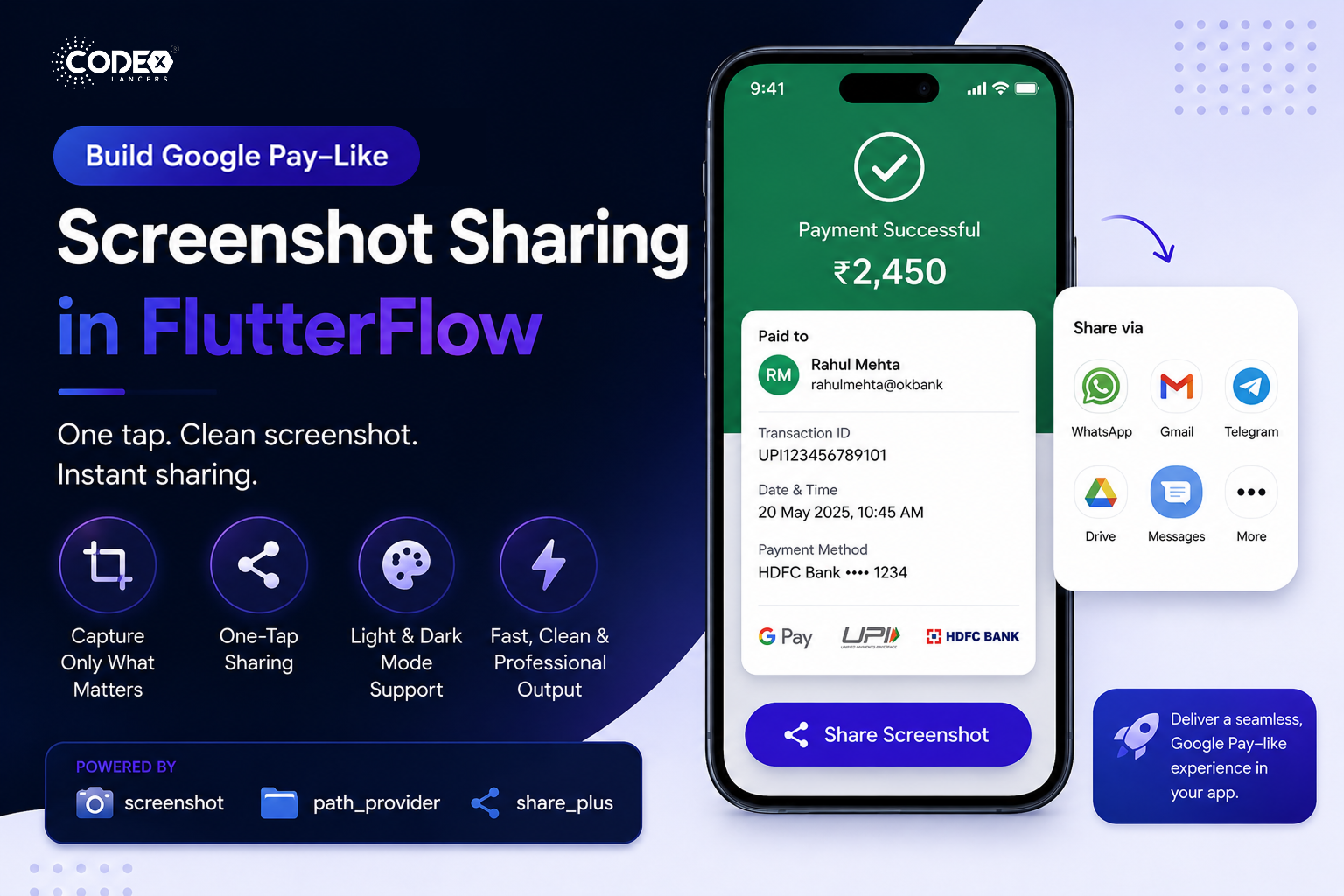
Google Pay–Like Screenshot Sharing in FlutterFlow

Introduction Have you ever noticed how smoothly Google Pay lets users share a payment screenshot instantly? With just one tap, a clean, perfectly formatted image is generated and shared no manual screenshots, no cropping

Mind Stack Labs

Engineering Team

Google Pay–Like Screenshot Sharing in FlutterFlow

Introduction

Have you ever noticed how smoothly Google Pay lets users share a payment screenshot instantly? With just one tap, a clean, perfectly formatted image is generated and shared no manual screenshots, no cropping, no hassle. I implemented a similar one-tap screenshot sharing feature in FlutterFlow using Custom Actions, and this article walks through the approach, tools, and benefits.

The Problem

Before implementing this feature, users typically relied on manual screenshots taking them manually, cropping unwanted UI elements, and sharing inconsistent or messy images. This leads to a poor user experience, especially in apps where sharing data like payments or receipts is frequent.

The Solution

  • One-tap screenshot capture
  • Capture only the required UI section
  • Direct sharing via native share sheet

All of this was built inside FlutterFlow using Custom Actions combining low-code UI with custom Flutter logic.

How It Works

  • Wrap the required UI inside a Screenshot widget.
  • Use a ScreenshotController to manage capture.
  • Trigger the capture on button tap.

Only the wrapped UI is captured ensuring clean and consistent output every time.

Packages Used

  • screenshot : Capture widget as an image.
  • path_provider : Store the image temporarily.
  • share_plus : Share using native apps.

This combination keeps the implementation efficient and scalable.

Smart UI Handling

  • Light & Dark mode compatibility
  • Custom background images for better presentation
  • Consistent layout across devices

Result: Clean, polished, and share-ready screenshots every time.

Use Cases

  • Payment confirmations
  • Transaction receipts
  • Order summaries
  • Reports and dashboards

Especially valuable in fintech and utility apps where sharing information is frequent.

Why FlutterFlow + Custom Actions

  • Rapid UI development with FlutterFlow
  • Full flexibility using custom Flutter code
  • Easy integration with native capabilities

You truly get the best of both worlds: speed + control.

Final Outcome

  • Improved overall user experience
  • Reduced friction in sharing workflows
  • Faster and cleaner content sharing
  • Achieved a Google Pay–like seamless UX

Conclusion

If you’re building apps in FlutterFlow and want to deliver advanced, polished user experiences Custom Actions are the key. They allow you to go beyond limitations and implement features that feel truly native and professional. Low-code doesn’t mean low-power with the right approach, you can build high-quality, production-ready features that rival top-tier apps like Google Pay.

Keep Reading
Related Articles

You Might Also Like

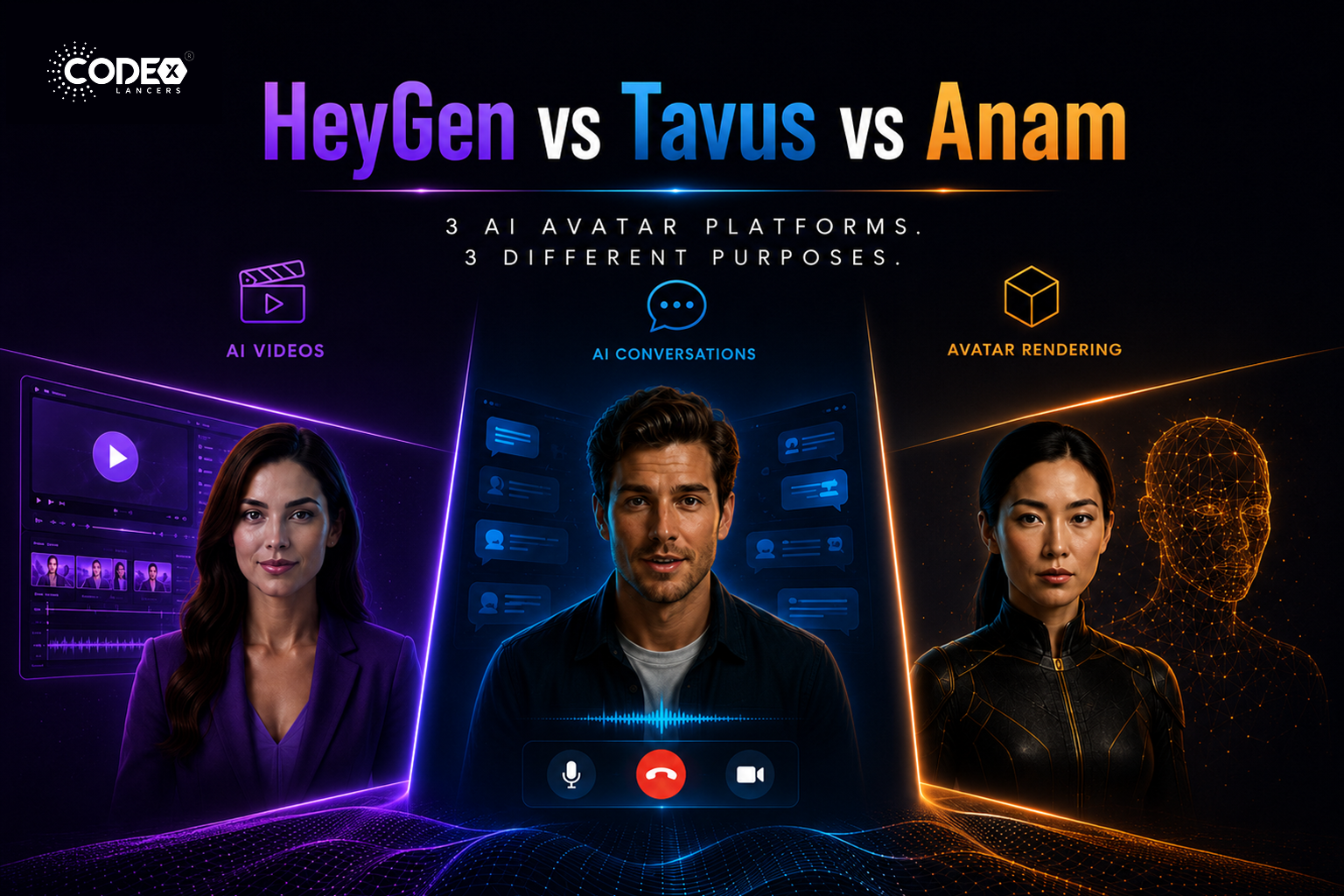
HeyGen vs Tavus vs Anam: Which AI Avatar Platform Is Right for You in 2026?
flutterMay 21, 2026

HeyGen vs Tavus vs Anam: Which AI Avatar Platform Is Right for You in 2026?

The Real Difference Nobody Explains Properly The AI avatar industry is exploding right now but most people compare HeyGen, Tavus, and Anam as if they are the same type of product. They are NOT. This confusion causes many startups and mobile app builders to choose the wrong platform. HeyGen : mainly an AI video generation […]

Read more
FlutterFlow’s New Feature: App Events (A Game Changer for Scalable Apps)
flutterApr 21, 2026

FlutterFlow’s New Feature: App Events (A Game Changer for Scalable Apps)

Introduction Building scalable applications in low-code platforms has always been a balance between speed and maintainability. While FlutterFlow makes UI development incredibly fast, managing communication between different parts of an app could sometimes become complex. With the introduction of App Events, FlutterFlow has taken a major step forward bringing cleaner architecture, better performance, and a […]

Read more
Integrating Tamara Payment Gateway in a FlutterFlow Application
flutterApr 21, 2026

Integrating Tamara Payment Gateway in a FlutterFlow Application

Introduction Integrating a reliable payment gateway is essential for delivering a smooth and secure user experience. Building a payment system isn’t just about processing transactions it’s about ensuring security, reliability, and compliance, all while maintaining a seamless user journey. Here’s how I integrated the Tamara Payment Gateway into a FlutterFlow application, creating a complete end-to-end […]

Read more
How I Built a Production-Ready AI Chat App in FlutterFlow (With OpenAI + Firebase)
flutterApr 20, 2026

How I Built a Production-Ready AI Chat App in FlutterFlow (With OpenAI + Firebase)

Introduction AI is everywhere in 2026 but building a production-ready AI chat app is still challenging, especially when using low-code tools like FlutterFlow. In this article, I’ll walk you through how I built a scalable AI chat system using FlutterFlow + Firebase + OpenAI API. Architecture Overview Frontend : FlutterFlow UI Backend : Firebase (Firestore […]

Read more

