

WE ARE HIRING • WE ARE HIRING • 
200 Happy Clients Worldwide
Delivering Excellence Since 2019
AI Workflow Automation with n8n & LangChain
WhatsApp Business Automation & AI Chatbots
24/7 Voice AI Agents Always On, Never Missed
Intelligent AI CRM & Lead Management Systems
Real-Time Business Dashboards & Analytics
AI Customer Support Resolve Tickets Instantly
Custom Internal Tools Built for Your Team
Powered by OpenAI, LangChain & Cutting-Edge AI
400+ App Integrations via Zapier & n8n
Helping Businesses Across Industries
End-to-End Automation Zero Manual Handoffs
200 Happy Clients Worldwide
Delivering Excellence Since 2019
AI Workflow Automation with n8n & LangChain
WhatsApp Business Automation & AI Chatbots
24/7 Voice AI Agents Always On, Never Missed
Intelligent AI CRM & Lead Management Systems
Real-Time Business Dashboards & Analytics
AI Customer Support Resolve Tickets Instantly
Custom Internal Tools Built for Your Team
Powered by OpenAI, LangChain & Cutting-Edge AI
400+ App Integrations via Zapier & n8n
Helping Businesses Across Industries
End-to-End Automation Zero Manual Handoffs
200 Happy Clients Worldwide
Delivering Excellence Since 2019
AI Workflow Automation with n8n & LangChain
WhatsApp Business Automation & AI Chatbots
24/7 Voice AI Agents Always On, Never Missed
Intelligent AI CRM & Lead Management Systems
Real-Time Business Dashboards & Analytics
AI Customer Support Resolve Tickets Instantly
Custom Internal Tools Built for Your Team
Powered by OpenAI, LangChain & Cutting-Edge AI
400+ App Integrations via Zapier & n8n
Helping Businesses Across Industries
End-to-End Automation Zero Manual Handoffs
flutterApril 11, 2026

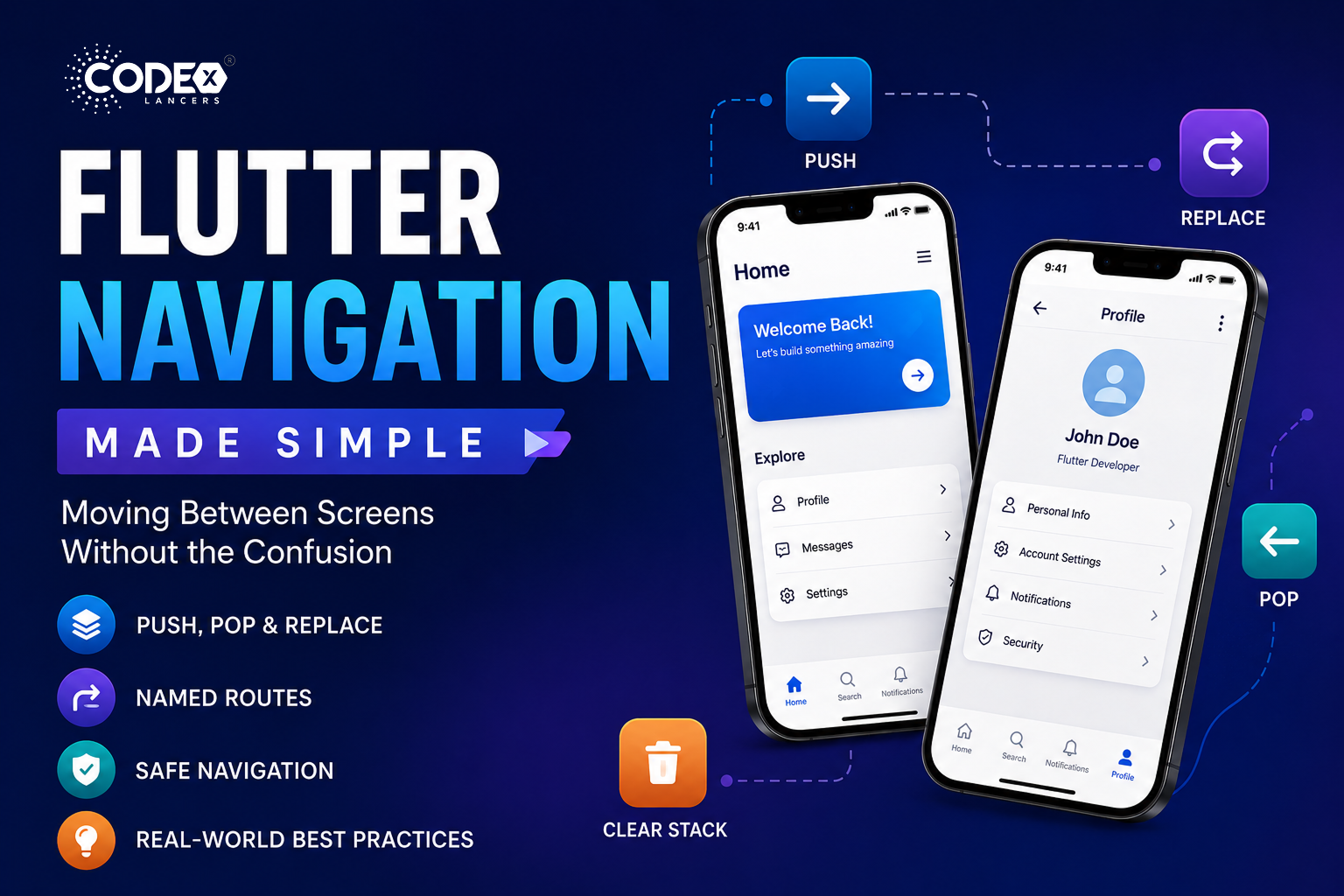
Flutter Navigation Made Simple: Moving Between Screens Without the Confusion

Introduction Navigation is one of those things in Flutter that looks simple… until it isn’t. At first, pushing a screen feels straightforward. But as your app grows multiple flows, authentication states, nested routes th

Mind Stack Labs

Engineering Team

Flutter Navigation Made Simple: Moving Between Screens Without the Confusion

Introduction

Navigation is one of those things in Flutter that looks simple… until it isn’t. At first, pushing a screen feels straightforward. But as your app grows multiple flows, authentication states, nested routes things start getting messy. Back stacks behave unexpectedly, screens duplicate, and users land in places they shouldn’t. This guide breaks down Flutter navigation in a way that actually makes sense with real use cases, clean patterns, and common mistakes developers often overlook.

The Core Idea of Navigation in Flutter

Flutter uses a stack-based navigation system every new screen is pushed onto a stack, going back pops the top screen, and you can replace, reset, or manipulate the stack as needed.

Basic Navigation (Push & Pop)

Go to a new screen

Navigator.push(
  context,
  MaterialPageRoute(builder: (context) => SecondScreen()),
);

Go back

Navigator.pop(context);

Replace Current Screen

Useful for flows like login → home (you don’t want users going back to login):

Navigator.pushReplacement(
  context,
  MaterialPageRoute(builder: (context) => HomeScreen()),
);

Clear Entire Navigation Stack

Used after authentication, onboarding, etc.:

Navigator.pushAndRemoveUntil(
  context,
  MaterialPageRoute(builder: (context) => HomeScreen()),
  (route) => false,
);

Pop Until Specific Screen

Navigator.popUntil(context, (route) => route.isFirst);

Named Navigation (Clean & Scalable)

Instead of repeating routes everywhere, define them once:

routes: {
  '/home': (context) => HomeScreen(),
  '/profile': (context) => ProfileScreen(),
}

Navigate

Navigator.pushNamed(context, '/profile');

Replace

Navigator.pushReplacementNamed(context, '/home');

Clear Stack

Navigator.pushNamedAndRemoveUntil(
  context,
  '/home',
  (route) => false,
);

Safe Navigation (Avoid Crashes)

Check if you can go back

if (Navigator.canPop(context)) {
  Navigator.pop(context);
}

Safer alternative

Navigator.maybePop(context);

Common Mistakes & Fixes

  • Using push instead of pushReplacement : Users can go back to login/signup. Fix: use pushReplacement after authentication.
  • Not clearing stack after login : Back button leads to unwanted screens. Fix: use pushAndRemoveUntil.
  • Overusing anonymous routes : Hard to maintain and debug. Fix: switch to named routes for scalability.
  • Ignoring back stack behavior : Unexpected navigation flows. Fix: always ask “what should happen when the user presses back?”
  • Calling pop without checking : App crashes if no route exists. Fix: use canPop or maybePop.
  • Mixing navigation styles randomly : Inconsistent architecture. Fix: stick to one approach prefer named routes in bigger apps.
  • Not handling deep navigation flows : Complex flows break easily. Fix: plan navigation structure early, especially for multi-step flows.

Practical Insights from Production

  • Keep navigation logic centralized avoid scattering it everywhere.
  • Use named routes for medium to large apps.
  • Think in terms of user journey, not just screens.
  • Test navigation like a user not just as a developer.

Conclusion

Flutter navigation isn’t complicated but it becomes confusing when we don’t structure it properly. Once you understand stack behavior, when to replace vs push, and how to reset flows, everything starts to click. The key is not just knowing the methods it’s knowing when to use them.

Keep Reading
Related Articles

You Might Also Like

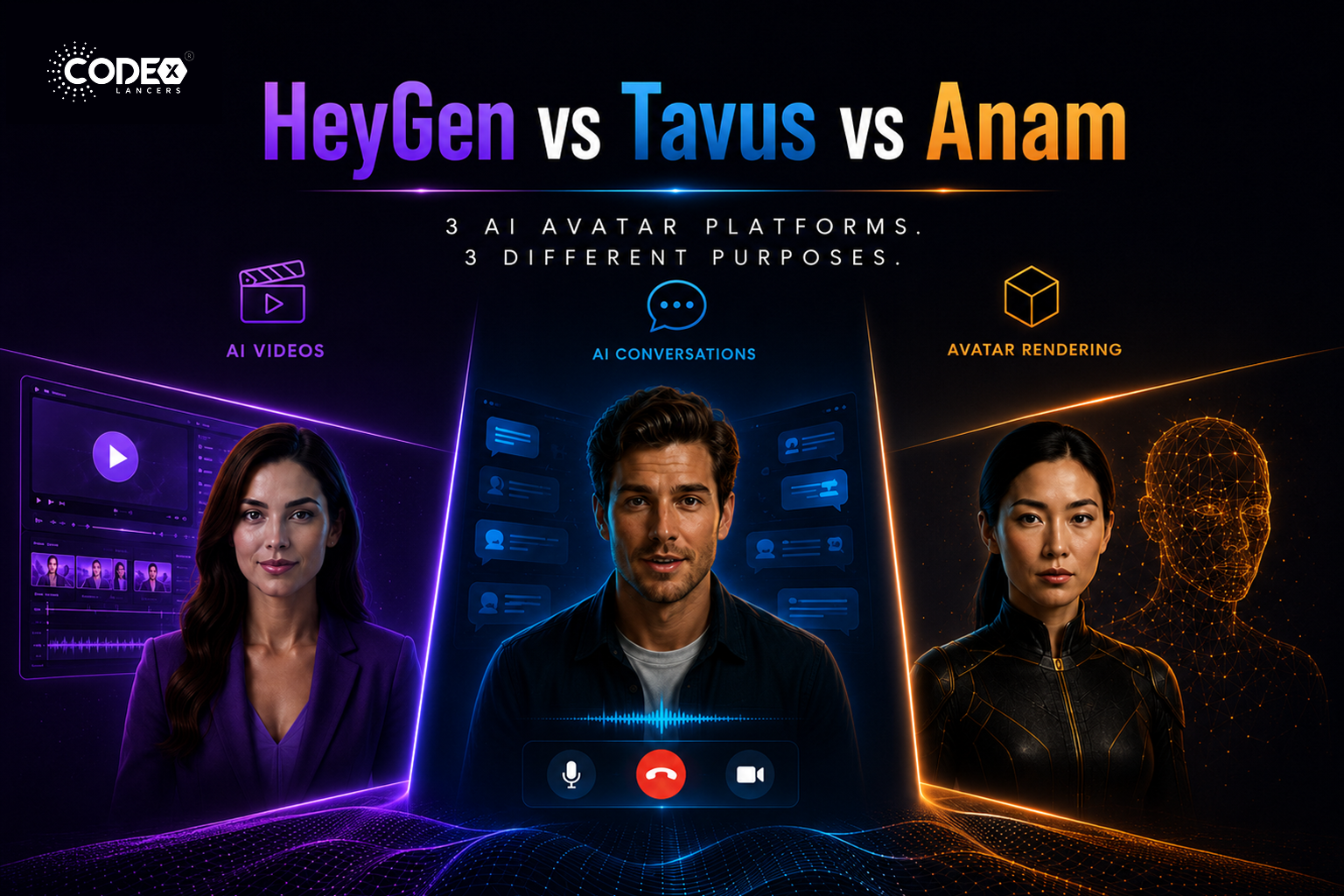
HeyGen vs Tavus vs Anam: Which AI Avatar Platform Is Right for You in 2026?
flutterMay 21, 2026

HeyGen vs Tavus vs Anam: Which AI Avatar Platform Is Right for You in 2026?

The Real Difference Nobody Explains Properly The AI avatar industry is exploding right now but most people compare HeyGen, Tavus, and Anam as if they are the same type of product. They are NOT. This confusion causes many startups and mobile app builders to choose the wrong platform. HeyGen : mainly an AI video generation […]

Read more
FlutterFlow’s New Feature: App Events (A Game Changer for Scalable Apps)
flutterApr 21, 2026

FlutterFlow’s New Feature: App Events (A Game Changer for Scalable Apps)

Introduction Building scalable applications in low-code platforms has always been a balance between speed and maintainability. While FlutterFlow makes UI development incredibly fast, managing communication between different parts of an app could sometimes become complex. With the introduction of App Events, FlutterFlow has taken a major step forward bringing cleaner architecture, better performance, and a […]

Read more
Integrating Tamara Payment Gateway in a FlutterFlow Application
flutterApr 21, 2026

Integrating Tamara Payment Gateway in a FlutterFlow Application

Introduction Integrating a reliable payment gateway is essential for delivering a smooth and secure user experience. Building a payment system isn’t just about processing transactions it’s about ensuring security, reliability, and compliance, all while maintaining a seamless user journey. Here’s how I integrated the Tamara Payment Gateway into a FlutterFlow application, creating a complete end-to-end […]

Read more
How I Built a Production-Ready AI Chat App in FlutterFlow (With OpenAI + Firebase)
flutterApr 20, 2026

How I Built a Production-Ready AI Chat App in FlutterFlow (With OpenAI + Firebase)

Introduction AI is everywhere in 2026 but building a production-ready AI chat app is still challenging, especially when using low-code tools like FlutterFlow. In this article, I’ll walk you through how I built a scalable AI chat system using FlutterFlow + Firebase + OpenAI API. Architecture Overview Frontend : FlutterFlow UI Backend : Firebase (Firestore […]

Read more

