Introduction
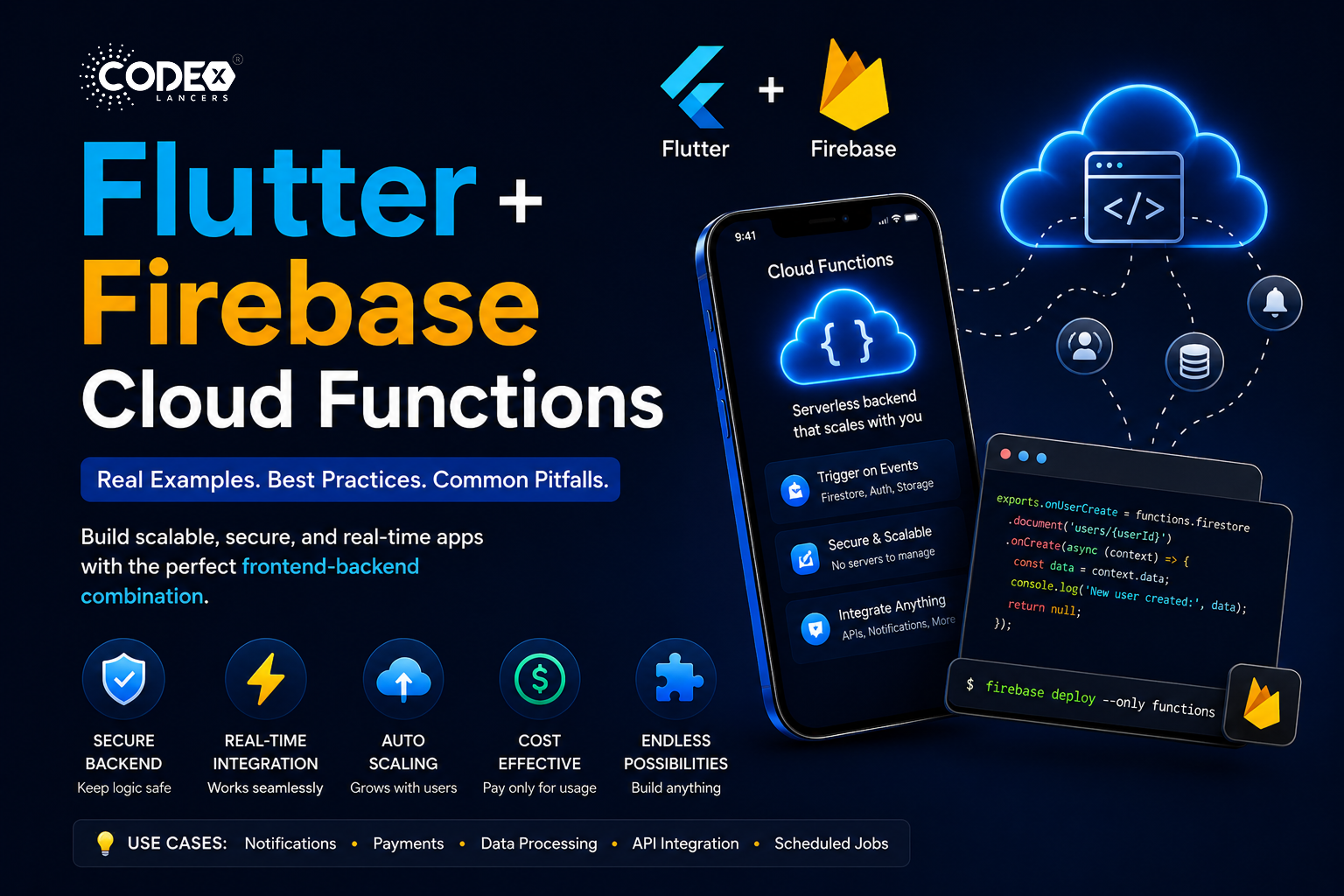
Building modern mobile apps requires more than just a beautiful UI you also need a reliable backend. This is where Flutter and Firebase Cloud Functions become a powerful combination. Flutter gives you a fast, scalable frontend, while Cloud Functions provide a powerful, secure serverless backend no server management required.
Why Use Flutter + Firebase Cloud Functions?
- Serverless backend : No need to manage servers.
- Real-time integration : Works seamlessly with Firestore.
- Scalability : Automatically scales with users.
- Security : Backend logic stays hidden from the client.
- Cost-effective : Pay only for what you use.
Use Cases
- Secure Backend Logic : Payment verification, authentication checks, role-based access control.
- Notifications System : Send push notifications when data changes or on user actions.
- Data Processing : Automatically process uploaded data, clean and transform Firestore entries.
- Third-Party API Integration : Call external APIs securely without exposing keys.
- Scheduled Jobs : Daily reports, cleanup tasks.
Step-by-Step Setup
Step 1: Setup Flutter Project
flutter create my_app
cd my_app
Step 2: Setup Firebase
- Go to Firebase Console and create a project.
- Add Android/iOS app.
- Download
google-services.json(Android) andGoogleService-Info.plist(iOS).
Step 3: Add Firebase to Flutter
dependencies:
  firebase_core: ^latest
  cloud_firestore: ^latest
void main() async {
WidgetsFlutterBinding.ensureInitialized();
await Firebase.initializeApp();
runApp(MyApp());
}Step 4: Setup Firebase CLI
npm install -g firebase-tools
firebase login
firebase init functions
Step 5: Write Your First Cloud Function
Trigger when a user is created in Firestore:
const functions = require("firebase-functions");
const admin = require("firebase-admin");

admin.initializeApp();

exports.onUserCreate = functions.firestore
  .document("users/{userId}")
  .onCreate((snap, context) => {
    const data = snap.data();
    console.log("New user created:", data);
    return null;
  });
firebase deploy --only functionsReal-World Examples
Example 1: Send Push Notification on New Message
exports.sendNotification = functions.firestore
  .document("messages/{id}")
  .onCreate(async (snap, context) => {
    const message = snap.data();
    const payload = {
      notification: {
        title: "New Message",
        body: message.text,
      },
    };
    return admin.messaging().sendToTopic("allUsers", payload);
  });
Flutter side subscribe to topic:
FirebaseMessaging.instance.subscribeToTopic("allUsers");Example 2: Secure Payment Verification
Never verify payments on the client side! Cloud Function:
exports.verifyPayment = functions.https.onCall(async (data, context) => {
  const paymentId = data.paymentId;
  const isValid = true; // call your payment gateway here
  if (!isValid) {
    throw new functions.https.HttpsError("failed-precondition", "Invalid payment");
  }
  return { success: true };
});
Flutter call:
final callable = FirebaseFunctions.instance.httpsCallable('verifyPayment');
final result = await callable.call({"paymentId": "12345"});
print(result.data);
Example 3: Auto-Update Data on Order Create
exports.updateUserStats = functions.firestore
  .document("orders/{orderId}")
  .onCreate(async (snap, context) => {
    const order = snap.data();
    const userId = order.userId;
    const userRef = admin.firestore().collection("users").doc(userId);
    await userRef.update({
      totalOrders: admin.firestore.FieldValue.increment(1),
    });
  });
Example 4: Call External API Securely
const axios = require("axios");

exports.fetchWeather = functions.https.onCall(async (data, context) => {
  const city = data.city;
  const response = await axios.get(
    `https://api.weatherapi.com/v1/current.json?key=API_KEY&q=${city}`
  );
  return response.data;
});
Best Practices
Use Environment Config
firebase functions:config:set api.key="YOUR_KEY"functions.config().api.keyHandle Errors Properly
throw new functions.https.HttpsError("invalid-argument", "Missing data");Secure Your Functions
if (!context.auth) {
  throw new functions.https.HttpsError("unauthenticated");
}- Keep business logic in Cloud Functions don’t trust the frontend.
- Avoid heavy loops and minimize Firestore reads.
- Always use
async/awaitproperly.
Common Pitfalls
- Doing everything in Flutter Leads to security issues. Move sensitive logic to Cloud Functions.
- Infinite function loops Function writes to Firestore, trigger fires again. Fix: use flags or conditions.
- Large cold start delays Use smaller functions and regional deployment.
- Exposing API keys Always call external APIs via Cloud Functions.
- Not handling errors Always use try/catch.
Pro Tips
- Use TypeScript for better maintainability.
- Structure functions into modules.
- Log everything using
console.log. - Monitor using Firebase Console.
Conclusion
Flutter + Firebase Cloud Functions is a powerful full-stack solution for building scalable, secure, and modern applications without managing servers. Flutter handles UI beautifully, Cloud Functions handle secure backend logic, and together they deliver real-time, serverless apps that scale. Start simple build one function, connect it to Flutter, and expand step by step. You’ll be building production-ready apps with confidence.