

WE ARE HIRING • WE ARE HIRING • 
200 Happy Clients Worldwide
Delivering Excellence Since 2019
AI Workflow Automation with n8n & LangChain
WhatsApp Business Automation & AI Chatbots
24/7 Voice AI Agents Always On, Never Missed
Intelligent AI CRM & Lead Management Systems
Real-Time Business Dashboards & Analytics
AI Customer Support Resolve Tickets Instantly
Custom Internal Tools Built for Your Team
Powered by OpenAI, LangChain & Cutting-Edge AI
400+ App Integrations via Zapier & n8n
Helping Businesses Across Industries
End-to-End Automation Zero Manual Handoffs
200 Happy Clients Worldwide
Delivering Excellence Since 2019
AI Workflow Automation with n8n & LangChain
WhatsApp Business Automation & AI Chatbots
24/7 Voice AI Agents Always On, Never Missed
Intelligent AI CRM & Lead Management Systems
Real-Time Business Dashboards & Analytics
AI Customer Support Resolve Tickets Instantly
Custom Internal Tools Built for Your Team
Powered by OpenAI, LangChain & Cutting-Edge AI
400+ App Integrations via Zapier & n8n
Helping Businesses Across Industries
End-to-End Automation Zero Manual Handoffs
200 Happy Clients Worldwide
Delivering Excellence Since 2019
AI Workflow Automation with n8n & LangChain
WhatsApp Business Automation & AI Chatbots
24/7 Voice AI Agents Always On, Never Missed
Intelligent AI CRM & Lead Management Systems
Real-Time Business Dashboards & Analytics
AI Customer Support Resolve Tickets Instantly
Custom Internal Tools Built for Your Team
Powered by OpenAI, LangChain & Cutting-Edge AI
400+ App Integrations via Zapier & n8n
Helping Businesses Across Industries
End-to-End Automation Zero Manual Handoffs
flutterJune 17, 2026

Dynamic App Icons in Flutter: The Ultimate Guide to Manual Selection & Over-the-Air Cloud Updates

Dynamic App Icons in Flutter: Native Customization & OTA SyncAn application's home screen presence is prime real estate. Giving users the option to customize their app icon manually creates a delightful sense of pers

Mind Stack Labs

Engineering Team

Dynamic App Icons in Flutter: The Ultimate Guide to Manual Selection & Over-the-Air Cloud Updates

Dynamic App Icons in Flutter: Native Customization & OTA Sync

An application's home screen presence is prime real estate. Giving users the option to customize their app icon manually creates a delightful sense of personalization. Simultaneously, having the power to change app icons remotely allows you to ship global thematic shifts—like a festive holiday theme, a dark mode rebranding, or temporary promotional campaign artwork—without pushing a new build to the App Store or Google Play Store.

By avoiding buggy or outdated third-party packages, you can construct a robust dual-mode dynamic icon framework in Flutter. Writing clean custom platform channels unlocks native operating system APIs to handle both manual menu selections and automated, Over-the-Air (OTA) synchronization via Cloud infrastructure.

Architectural Deep Dive: Android vs. iOS APIs

Flutter operates on a single execution context, meaning we must use MethodChannels to trigger low-level platform behaviors. The structural mechanisms under the hood vary drastically between Android and iOS:

Android Component Aliases

Android handles launcher graphic configurations statically inside its manifest profile. To bypass this limitation, you declare multiple activity-alias blocks that map directly to the primary main activity layer. Toggling the enablement state of these discrete aliases via the native PackageManager forces the device home screen to refresh and read the graphic asset tied to the active alias.

⚠️ Operational Edge Case: Toggling an activity-alias clears the device's recent tasks stack and momentarily cycles the background application process to re-register the launcher entry.

iOS Alternate Icons API

Apple provides a cleaner runtime framework via the alternate icon name interface. Unlike standard graphics, alternative icon resources cannot reside inside a compiled asset catalog directory. Instead, they must be bundled into the root app directory as standalone loose files and explicitly mapped within the project's properties dictionary metadata file.

The Dual-Control Integration Engine Flow

Orchestrating manual user preferences with global cloud controls requires a deliberate priority hierarchy. A production-ready integration flow enforces the following sequential checkpoints:

  • Cloud Fetch Sequence — The application calls a remote config synchronization loop immediately during the initialization lifecycle.
  • Priority Evaluation — The engine checks for a valid, non-default override parameter published from the cloud dashboard.
  • Enforcing Global Precedence — If an explicit cloud override parameter is active, the app applies that theme variation immediately, ignoring or suppressing local preferences.
  • Deferring to User Preferences — If the cloud variable matches the standard fallback default or remains blank, the management logic drops back to read the user's manual selection stored within local persistent preferences.
  • Delta Guard Execution — Before triggering the custom native platform channel method, a comparison filter compares the intended icon name against the currently active asset to block redundant execution cycles and prevent application flickering loops.

Essential Production Guardrails

When launching dynamic asset remapping globally, establish strict operational boundaries. Always specify comprehensive local defaults inside your tracking variables; a connection timeout or initialization drop should never break your icon mappings. Additionally, configure safe caching intervals in production—typically around two to twelve hours—to avoid throttling device connection streams. Finally, ensure your custom asset strings match identically across your native Kotlin registrations, iOS metadata property files, and cloud dashboard keys to ensure seamless runtime profile remapping.

Final Thoughts

Building a custom platform channel architecture for dynamic app icon management gives you perfect control over home screen real estate. By orchestrating a strict evaluation engine between local persistent choices and cloud overrides, you gain a versatile utility capable of shifting app themes instantly for real-time promotional, seasonal, or system branding updates without storefront delays.

Keep Reading
Related Articles

You Might Also Like

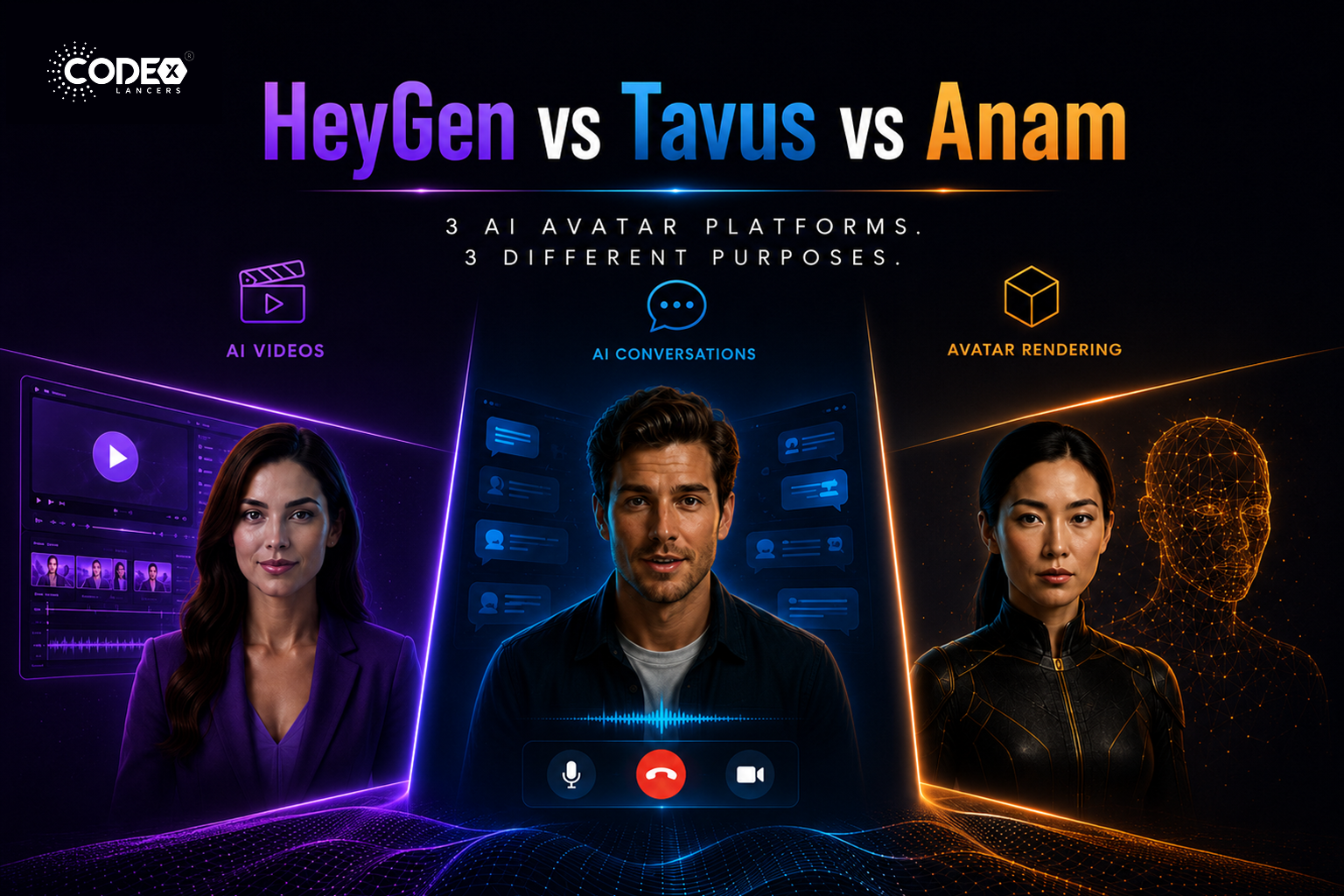
HeyGen vs Tavus vs Anam: Which AI Avatar Platform Is Right for You in 2026?
flutterMay 21, 2026

HeyGen vs Tavus vs Anam: Which AI Avatar Platform Is Right for You in 2026?

The Real Difference Nobody Explains Properly The AI avatar industry is exploding right now but most people compare HeyGen, Tavus, and Anam as if they are the same type of product. They are NOT. This confusion causes many startups and mobile app builders to choose the wrong platform. HeyGen : mainly an AI video generation […]

Read more
FlutterFlow’s New Feature: App Events (A Game Changer for Scalable Apps)
flutterApr 21, 2026

FlutterFlow’s New Feature: App Events (A Game Changer for Scalable Apps)

Introduction Building scalable applications in low-code platforms has always been a balance between speed and maintainability. While FlutterFlow makes UI development incredibly fast, managing communication between different parts of an app could sometimes become complex. With the introduction of App Events, FlutterFlow has taken a major step forward bringing cleaner architecture, better performance, and a […]

Read more
Integrating Tamara Payment Gateway in a FlutterFlow Application
flutterApr 21, 2026

Integrating Tamara Payment Gateway in a FlutterFlow Application

Introduction Integrating a reliable payment gateway is essential for delivering a smooth and secure user experience. Building a payment system isn’t just about processing transactions it’s about ensuring security, reliability, and compliance, all while maintaining a seamless user journey. Here’s how I integrated the Tamara Payment Gateway into a FlutterFlow application, creating a complete end-to-end […]

Read more
How I Built a Production-Ready AI Chat App in FlutterFlow (With OpenAI + Firebase)
flutterApr 20, 2026

How I Built a Production-Ready AI Chat App in FlutterFlow (With OpenAI + Firebase)

Introduction AI is everywhere in 2026 but building a production-ready AI chat app is still challenging, especially when using low-code tools like FlutterFlow. In this article, I’ll walk you through how I built a scalable AI chat system using FlutterFlow + Firebase + OpenAI API. Architecture Overview Frontend : FlutterFlow UI Backend : Firebase (Firestore […]

Read more

